Imagine that you can turn an ordinary photo into a true work of art. Isn't it cool? That's exactly what Photoshop allows you to do. But what is Photoshop, how does it work, and why is it so popular among designers, photographers, and even bloggers? Let's figure it out together!
What is Photoshop?
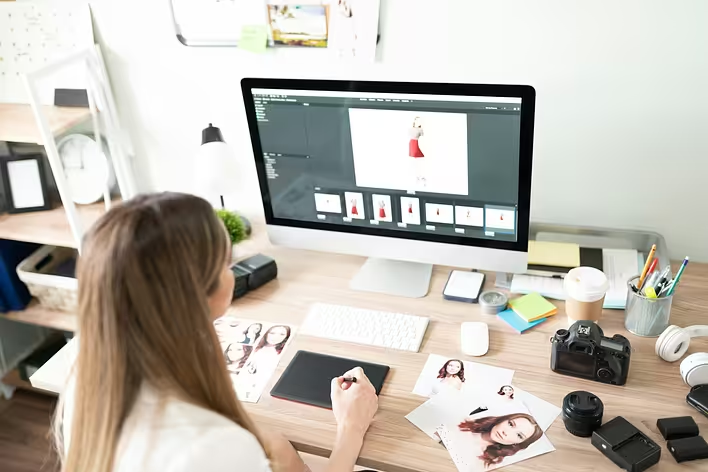
Photoshop is a powerful graphic editor developed by Adobe. Its full name is Adobe Photoshop. This software allows you to edit images, create graphics, and even draw. With its help, you can change colors, add textures, correct flaws, and much more.
Why is Photoshop so popular?
As they say, “you can't catch a fish without working hard.” But with Photoshop, this work becomes much easier. Here are a few reasons for its popularity:
- Versatility: Photoshop is suitable for various tasks — from simple photo editing to creating complex digital illustrations.
- Intuitiveness: The program's interface is understandable even for beginners. Of course, it takes some time to master, but the result is worth it.
- Wide functionality: Photoshop has a multitude of tools and features that allow you to implement the boldest ideas.
Basics of Working with Photoshop
1. Tools
Photoshop has many tools for editing images:
- Brush: Allows you to paint or retouch images.
- Lasso: Helps to select specific areas of an image.
- Clone Stamp: Copies parts of an image to replace unwanted elements.
2. Layers
Layers in Photoshop work like transparent sheets stacked on top of each other. This allows you to work with different elements of an image separately.
3. Filters
Filters add special effects to your images. For example, the “Blur” filter can make the background less sharp, while the “Noise” filter can add graininess.
How to Get Started with Photoshop?
- Install the program: You can download Photoshop from the Adobe website and take advantage of the free trial period.
- Learn the basics: Study the basic tools and functions through online courses or video tutorials.
- Practice: As they say, “practice makes perfect.” Try creating simple projects to reinforce your skills.
Tips for Beginners
- Don't be afraid to experiment! Photoshop allows you to undo actions if something goes wrong.
- Use keyboard shortcuts for faster work.
- Save your work in different formats: PSD for editing and JPEG or PNG for publishing.
In conclusion, it's worth saying that Photoshop is not just a tool, but a true assistant in creativity. It opens new horizons for realizing your ideas and helps you see the world in a new way. So don't waste time — start learning and create wonders!