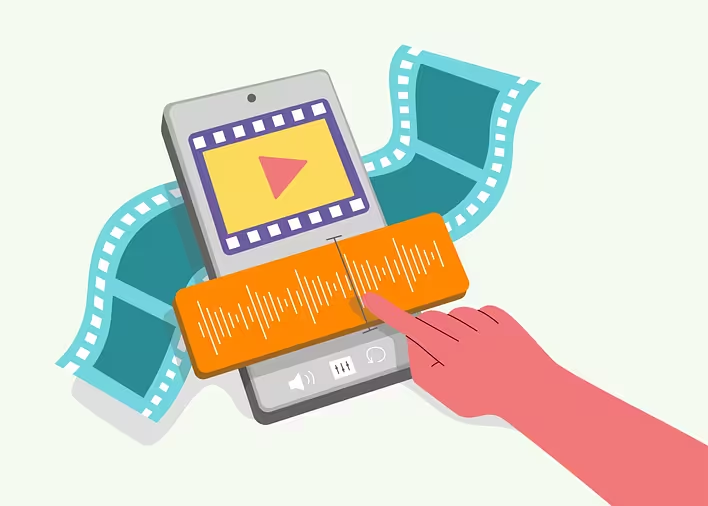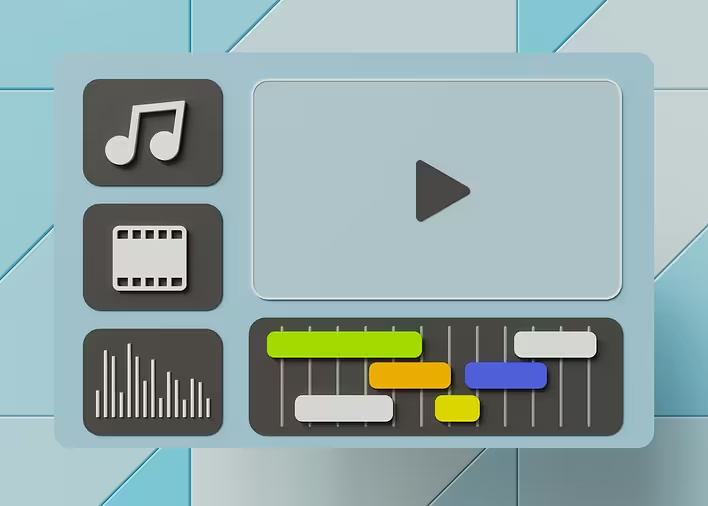
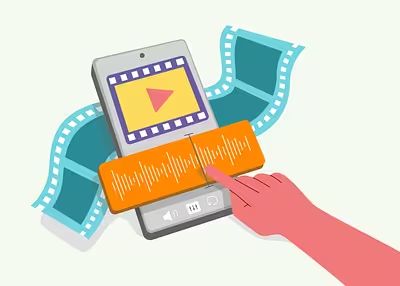
Imagine you are sitting at home, enjoying your favorite movie or music, and suddenly the quality of the image or sound starts to falter. Familiar, right? This could be related to the bitrate. The bitrate is like the pulse of your multimedia content: the higher it is, the better everything looks and sounds. But what is it really?
What is bitrate?
Bitrate is the amount of data transmitted over a certain period of time, usually measured in kilobits per second (kbps) or megabits per second (Mbps). It is a kind of indicator of the “density” of information in your audio or video file. The higher the bitrate, the more details can be displayed.
How does bitrate affect quality?
-
Audio: In music, bitrate determines sound quality. For example, MP3 files with a bitrate of 128 kbps can have noticeable quality loss compared to files at 320 kbps. So, if you are a true music lover, choose files with a higher bitrate.
-
Video: In the case of video, it gets even more interesting. A high bitrate provides a clear image without pixelation and artifacts. This is especially important for large screens and 4K video.
Types of bitrate
-
Constant bitrate (CBR): Remains unchanged throughout the entire file. This is a stable option but not always optimal for complex scenes.
-
Variable bitrate (VBR): Varies depending on the complexity of the scene. It uses disk space more efficiently and provides better quality.
Why is choosing the right bitrate important?
The choice of bitrate depends on your needs and the capabilities of your devices. If you are creating content for online platforms like YouTube or Spotify, it is important to adhere to their bitrate recommendations. This will help avoid issues with loading and quality.
How to choose the optimal bitrate?
-
Analyze your needs: Different approaches are needed for home use or professional work.
-
Consider your devices: If you are listening to music on high-quality headphones or watching movies on a large screen, choose a higher bitrate.
-
Balance between quality and size: A higher bitrate means a larger file size. Find the sweet spot for your goals.
Practical tips
- For music, choose MP3 at 320 kbps or FLAC for uncompromising quality.
- For 1080p video, the optimal bitrate is 8-12 Mbps.
- Use VBR for more efficient use of space without sacrificing quality.
So now you know what bitrate is and how it affects the quality of your content. It is a key factor for those who value sound and image quality. By choosing the right bitrate, you can significantly enhance your multimedia experience without unnecessary space on your disk or internet connection speed. So next time you download music or a movie, remember this important parameter!